Exploring AI in everyday work
PROJECT OVERVIEW
A simple way to decode project jargon
Alphabet Soup is a single page acronym dictionary that helps teammates understand project jargon, internal shorthand, and domain-specific terms without having to ask, guess, or dig through old docs.
It started as a small side project and quickly turned into a live test bed for AI tools. Every part of the app, from the content to the interface and code, is a place to try, compare, and refine how AI supports real design and development work.


TEAM
Design Firm | Q30 Design Inc.
UX/UI designer | K Andrews, Tom Ruhig
Web Developer | Justin Hope
Project Manager | K Andrews
AI Researcher | K Andrews, Tom Ruhig

MY ROLE
Defining the product vision and scope
Interaction and UX design
Web Developer
Researching and shaping AI workflows

TOOLS
Figma & FigJam
Figma Make (AI)
Gemini, Claude, ChatGPT, Google AI
WindSurf, VS Code, HTML, CSS, JavaScript
THE CHALLENGE
How can AI actually make day to day design and development work easier, instead of just creating more noise?
Most projects collect an overwhelming amount of acronyms, tools, and internal language that new teammates have to decode on their own. At the same time, AI tools promise to "speed things up" but often feel disconnected from real project needs. Alphabet Soup set out to solve both problems at once: give people a clear, shared language for a project, and use that work as a way to test where AI is genuinely helpful.
THE PROCESS

01
Treating AI as a teammate, not a shortcut
Used Gemini, Claude, ChatGPT, and Google AI to unpack the problem, list real use cases, and write early user stories. Instead of asking for "the answer," AI was used to explore options, rephrase ideas, and spot gaps in the thinking.

02
Prototyping the experience
Explored list, filter, and visualization patterns in Figma, then used Figma Make to quickly spin up variations for layouts, states, and flows. This helped focus on what felt intuitive rather than getting stuck on pixel details too early.

03
Building a small, real app
Built a single-page prototype with the core pieces in place: search, filtering, an about section, and room for future data visualizations. WindSurf and AI coding assistants were used to scaffold components, clean up CSS, and capture decisions along the way.
KEY FEATURES
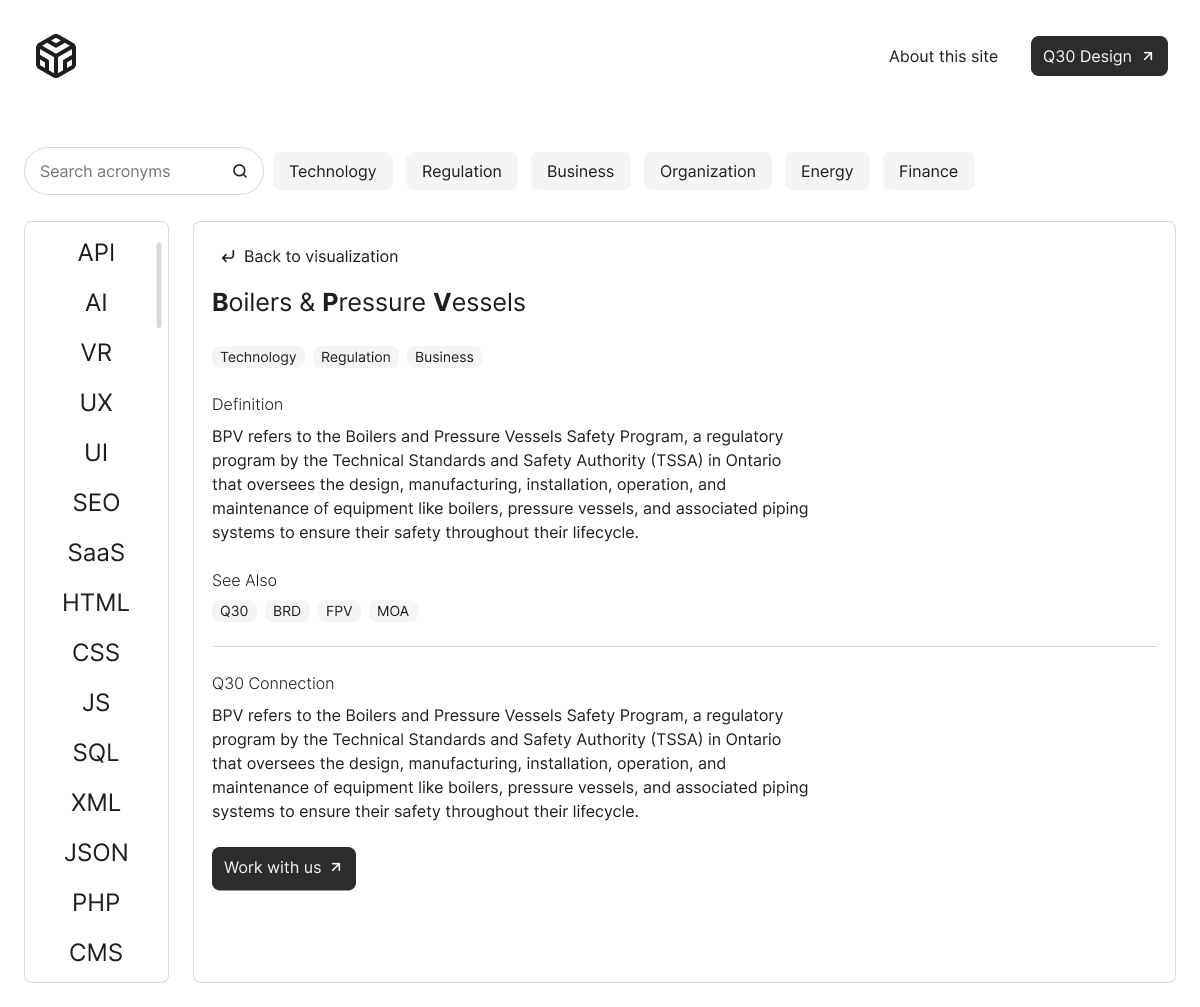
List and filter views
A clear list of acronyms with search, category filters (team, tool, process, project), and tags that show how terms are used in context across a project.
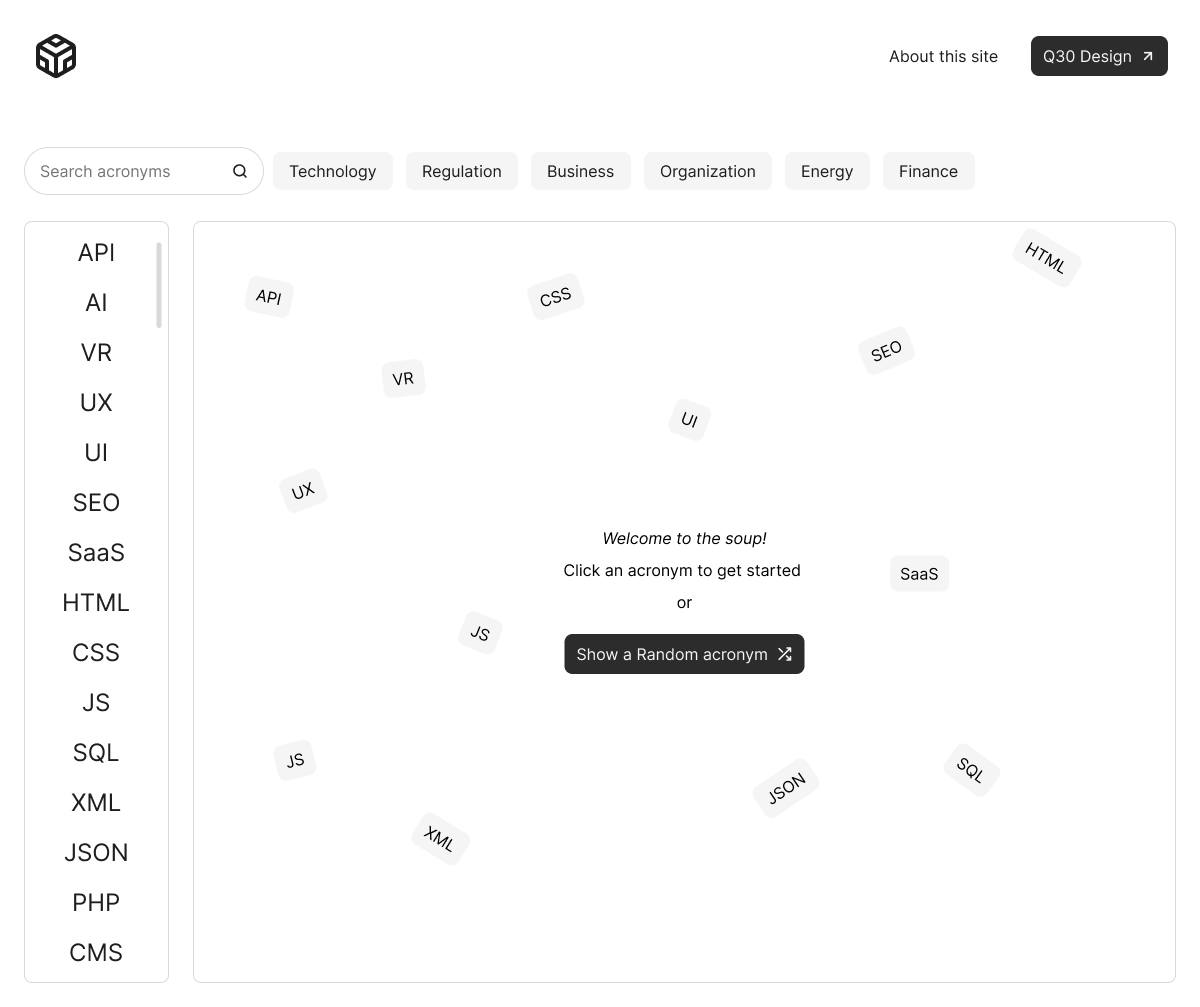
Visualization view
Planned visualizations that map which acronyms belong to which teams, tools, or phases of work, turning a long list of terms into a picture of how the project actually runs.
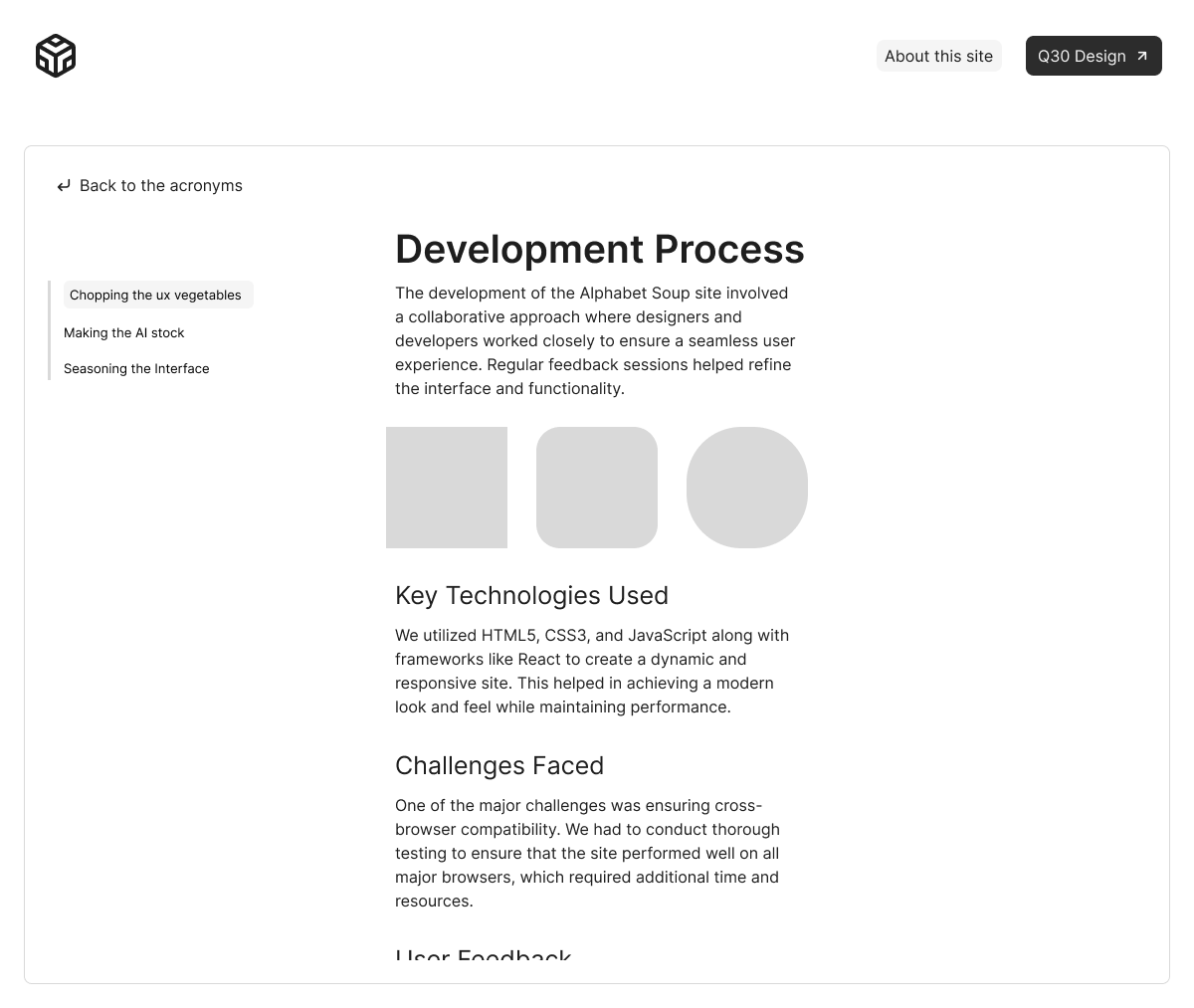
AI playground
A dedicated space in the workflow to try different AI tools on the same task (for example: writing definitions, grouping acronyms, or suggesting related terms) and see which tool works best for which kind of work.
THE OUTCOMES
6+
AI tools tried on real project tasks
3
Core views explored: list, filter, visualization
Ongoing
Ongoing experiments in product and workflow design
KEY TAKEAWAYS
AI is most useful when it’s grounded in a real problem, not used as the entire project.
Working with Gemini, Claude, ChatGPT, Google AI, Figma Make, and WindSurf made it clear that no single tool does everything well. Some are better at structure and refactoring, and others shine at exploration and idea generation. The best results came from choosing tools intentionally for specific parts of the process, not trying to crown a single “best” AI.
Alphabet Soup is still in progress, but it already works as a small, safe lab: a place to try prompts, test automation ideas, and practice handoffs between design and development, while building something genuinely useful for future teams.